Reflection System
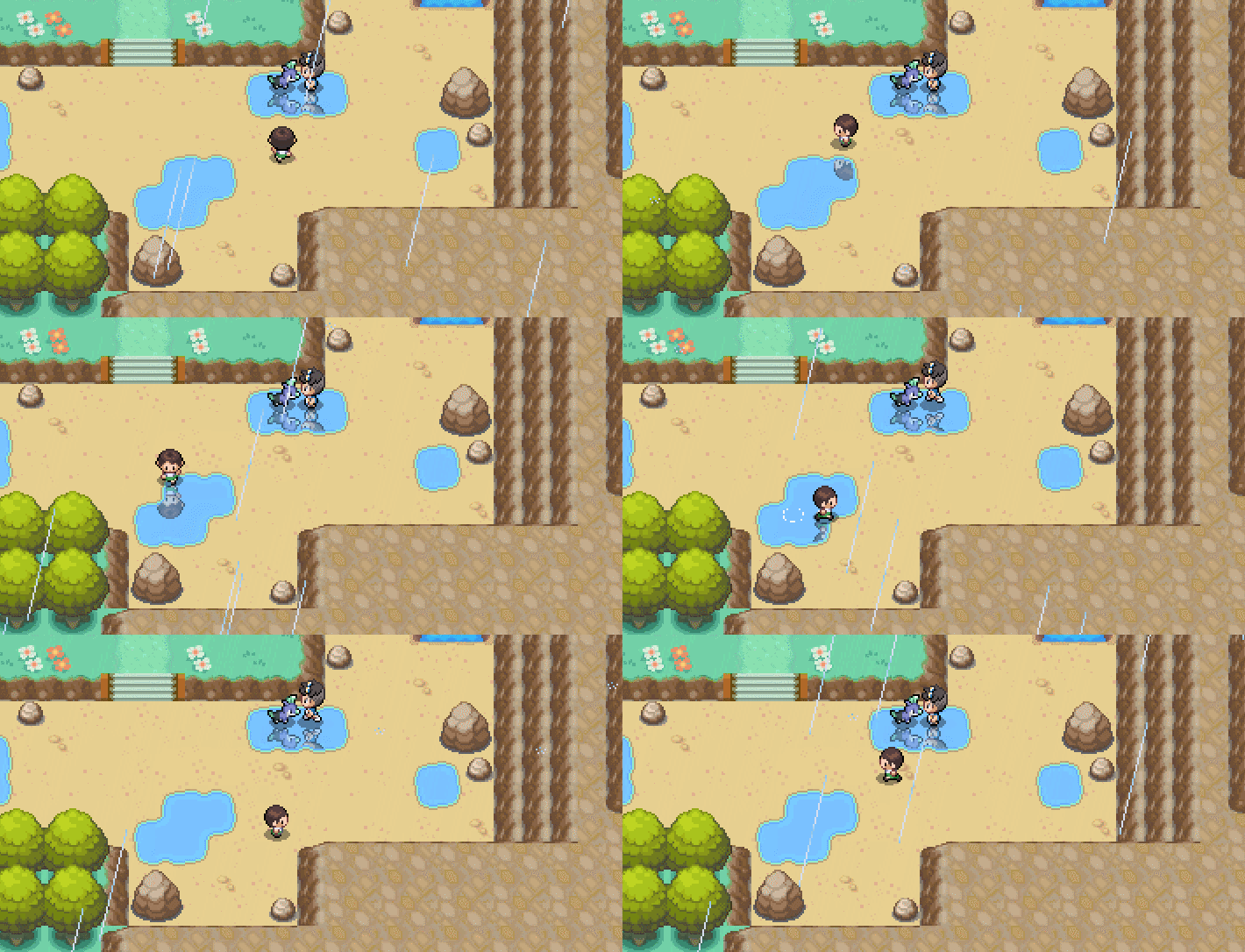
Activation
To activate the reflection system, either:
Option A: Create a reflection sprite on the reflection layer of the game to act as a mask. This can be done via, e.g.,
`%random%=sprite(186753/test-reflection-single,reflection)`.

- The mask will show reflections where pixels are white.
- The mask respects alpha.
- There can only be one mask active at a time. This is a restriction of the built-in PIXI sprite class.
- If the sprite is the same size as the map it's placed upon, it will automatically align itself with the map. This allows you to create a single sprite for an entire map. Note that this may create a
.pngthat's quite large, but you can use png optimization tools, such as TinyPNG.com or create one yourself in, e.g., Python.
Kyledove’s Tip
Set the sprite's layer to map first to align it.
Option B: Set mapvar[reflections_void]=1. This allows reflections to appear on the void layer of the game.
-
If you do this, it's also recommended to change the void color to
133,206,255: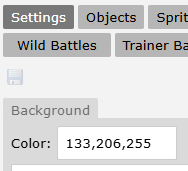
Exclusivity Note
Don't have both void reflections and a reflection mask on the same map. Only one is supported at a time.
Customizations
In addition to the above two methods, you may further tweak reflections in a couple of ways.
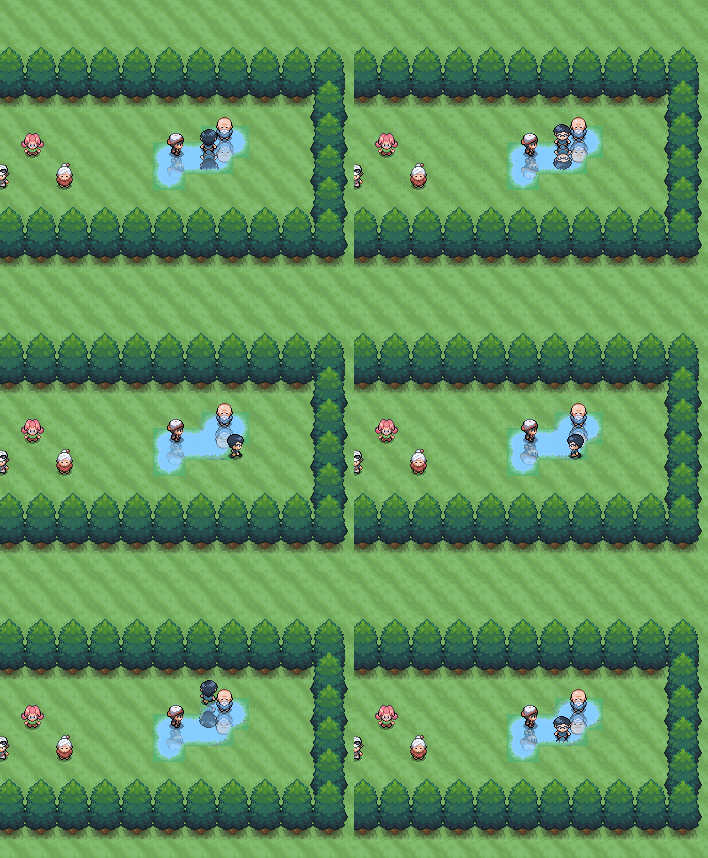
Gen 3 Filter
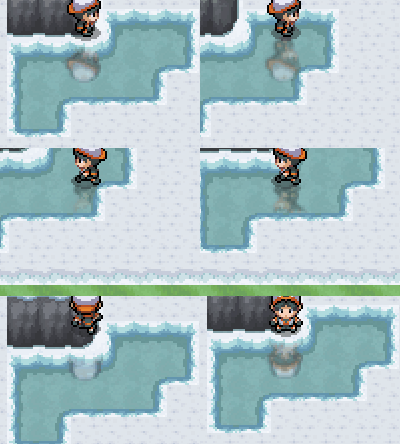
Frosted Ice
Surf Offset
You can adjust the height of the reflections while surfing via
This can alternatively be done per-map using mapvars
💡 Credit: The Reflection system was developed by Ginzuishou, Kyledove, and JosiahKunz.